
For game night
Find your next adventure.
Browse community modules, read the PDFs for free, and save your favorites. Preview a book before ordering a printed copy.
Browse the marketplace →Create it. Run it. Pass it on.
Find an adventure worth gathering around. Or turn the idea you can’t stop thinking about into one your players will remember. Familiar brings together a campaign app, adventure creation tools, and a marketplace for stories worth sharing.
Read community PDFs for free. Create in the desktop app or your own agent.
Something to run this weekend. A world you’ve been building for years. A finished module ready for its next table. Start where you are.
For game night
Browse community modules, read the PDFs for free, and save your favorites. Preview a book before ordering a printed copy.
Browse the marketplace →For your imagination
Develop a premise, choose the direction, and build scenes, encounters, characters, and handouts around your table.
Choose your creation tools →For other tables
Written by hand, built with Familiar, or made with the skills in your own agent: your finished adventure belongs on the shelf.
Publish your module →Familiar’s creation workflow helps you get from a spark to an adventure you can run. Choose the workspace that fits you. You choose the hook and make the final editorial call.
The desktop app
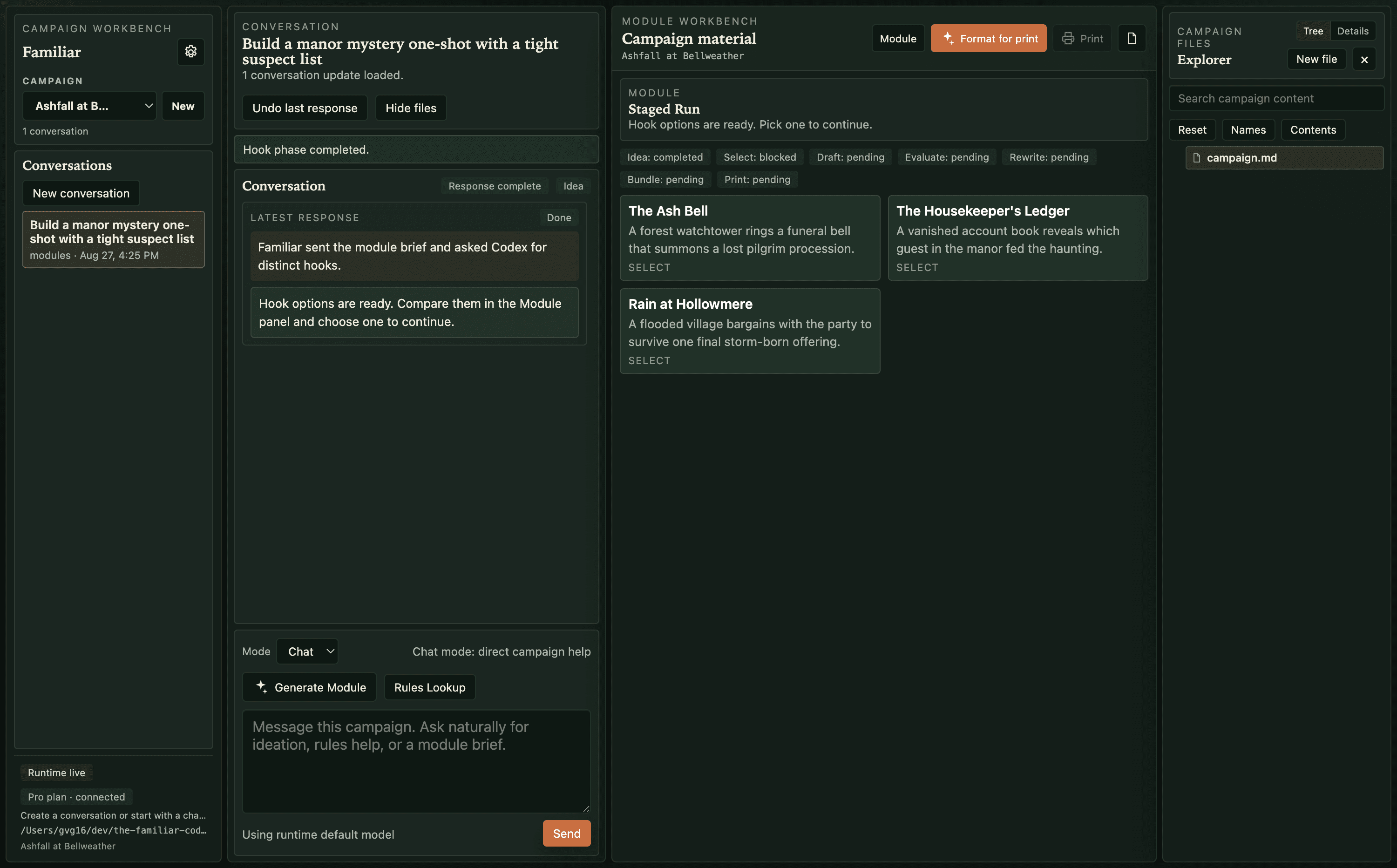
Talk through ideas, edit your notes, consult rules, and build modules in one visual workspace. Keep your characters, locations, and unfinished plots close at hand.
The skill bundle + toolkit
Keep the agent you already use. Content Studio guides the writing and visual assets; Publish Review checks, refines, and packages the result. The included toolkit saves native campaign files and formats your PDFs.
AI usage and printed books are paid for separately. Native campaign files can move between the app and skills.
Start with whatever you have: a villain, a place, a few lines about what happened last session. Develop it in conversation, then ask Familiar to draft the adventure. Your notes and finished work stay in a folder on your computer.
You can brainstorm for as long as you need. When you’re ready for a full adventure, the module builder takes you from a brief through drafting, review, and export.
Describe your idea, your party, and how long you want to play.
Ask for a few adventure ideas, or start with one you already have.
Choose a hook and adjust the details before Familiar drafts the adventure.
Familiar writes the scenes, characters, encounters, and clues for your adventure.
Familiar reviews the draft and revises it if needed. Read it through and make it your own.
Save linked campaign notes and a native bundle. Export a PDF, then keep it for your table or prepare it to publish.
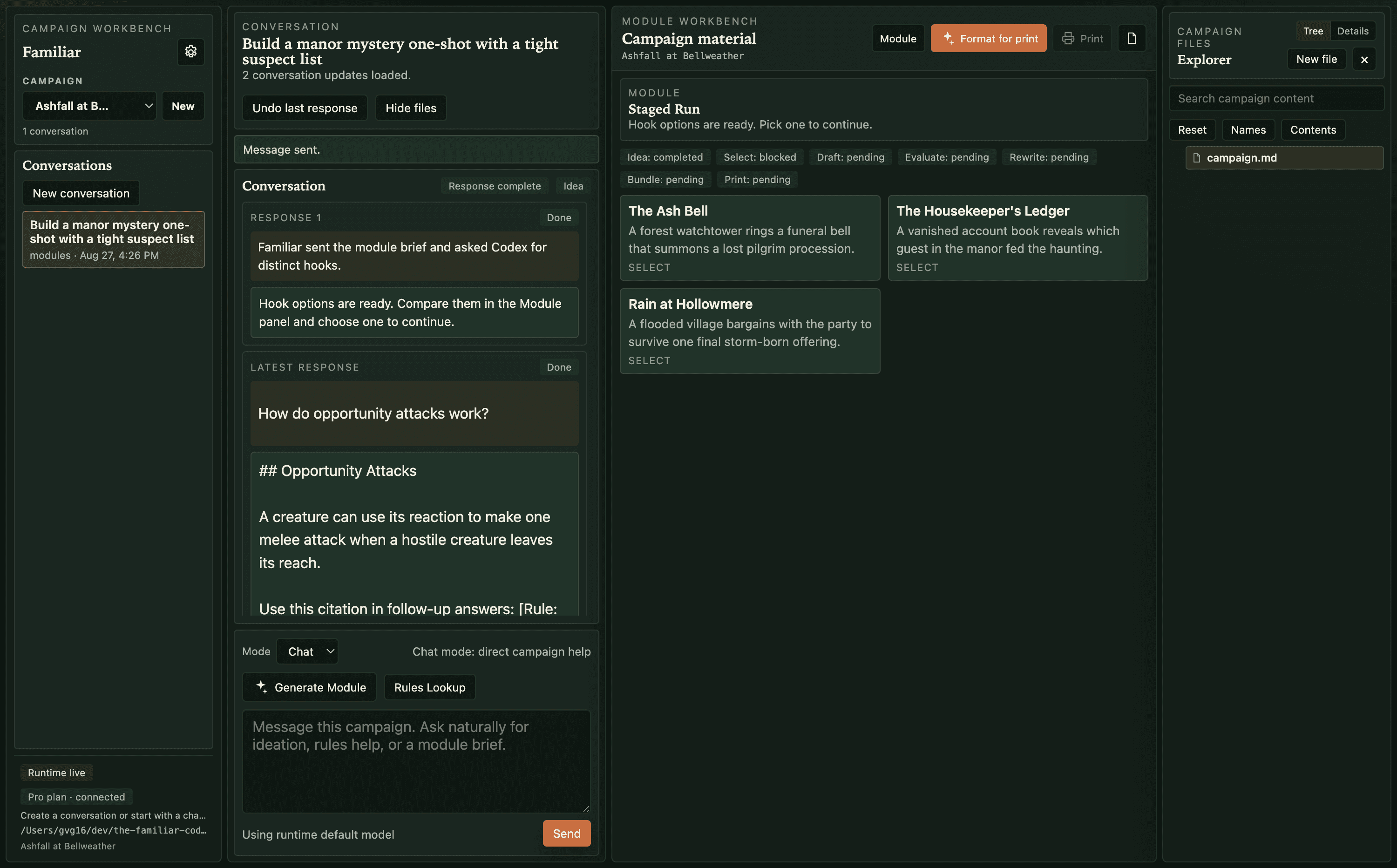
Bring back an NPC next session, change a location, or pick up an unfinished plot. Familiar saves your campaign as Markdown files and images that you can edit in the app or open in another editor.
Familiar formats your adventure and prepares a book cover. Check the pages, get a price that includes delivery, and order a printed copy when you’re happy with it.
View the Fields & Tides print proof →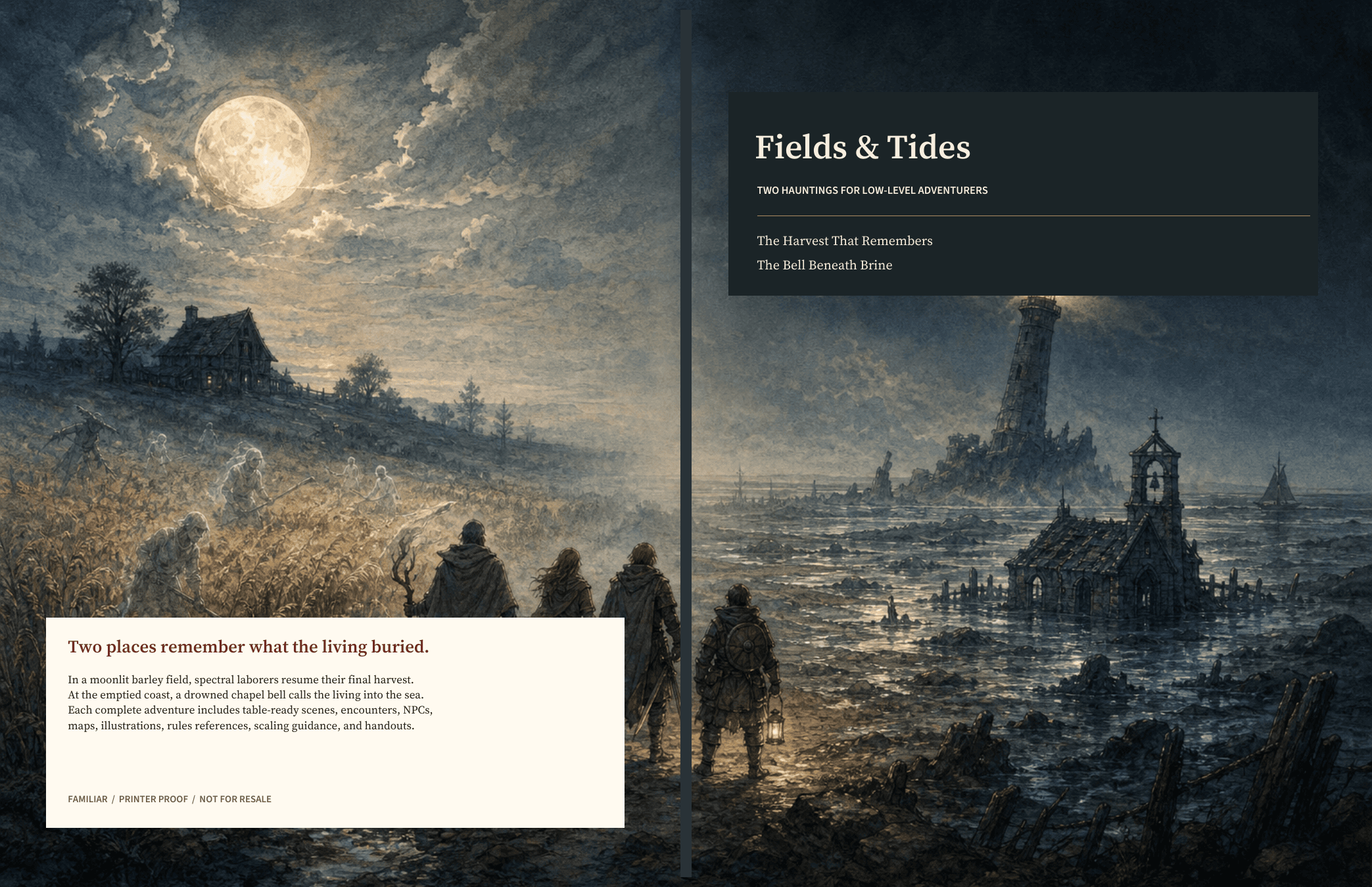
The module marketplace
Your home game might be someone else’s next favorite story. Publish a module written entirely by hand, created with Familiar, or developed with its skills. Readers can discover it, download the PDF, and order a paperback.
You don’t need Familiar or an AI account to read modules or publish prepared PDFs.
Marketplace beta: public PDFs are free. Printed copies cost extra. Author royalties are not available in this beta.
Prepare an interior PDF and matching full-wrap cover in your preferred tools.
Add the details, check both proofs, and confirm your sharing and printing rights.
Share your listing. Sign in with your email whenever you want to manage it.
Find your next session. Build your own world. Share the adventure that worked.